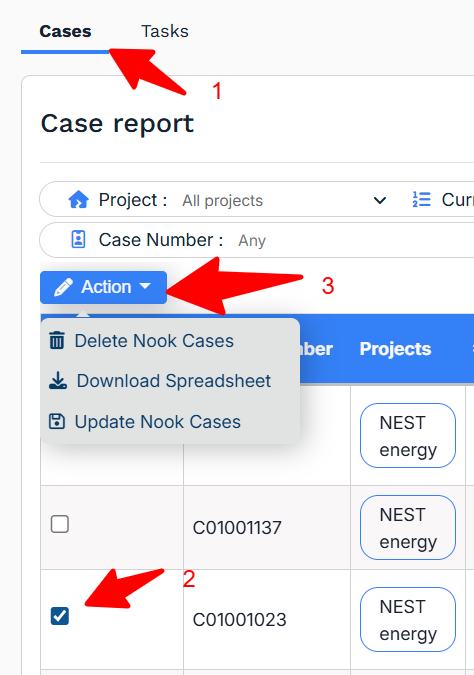
Cases are intentionally hard to delete in Nook – for historical and reporting reasons it is much better to archive them. If you DO need to delete a case (for example, if a duplicate has been created), one way to do this is within Reporting.
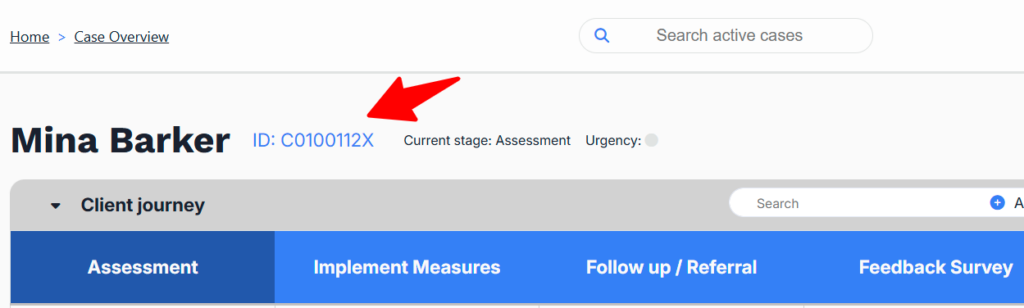
First though, to help find the case in Reporting you might want to make a note of the Case ID.
Go to the Waiting List or Case Overview screens, find the person you want to delete and open their case record. On the next screen make a note of the ID number shown (at the top, next to the person’s name).
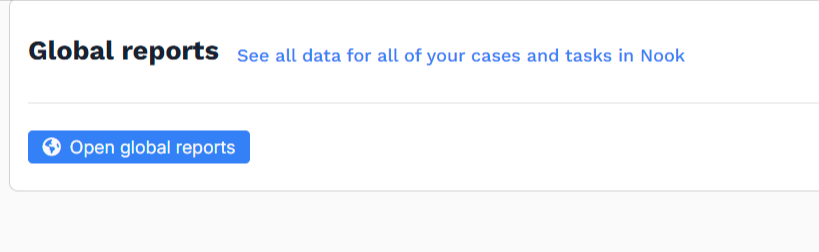
Now go to Reporting > Global reports > Open global reports.
Open the Case Report in the tabs at the top.
If you know your Case ID (e.g. C01001315) you can search for it to help find the case.
Find the case and check the checkbox in the leftmost column of the table.
In the dropdown, choose Action > Delete Energy Advice Cases.