
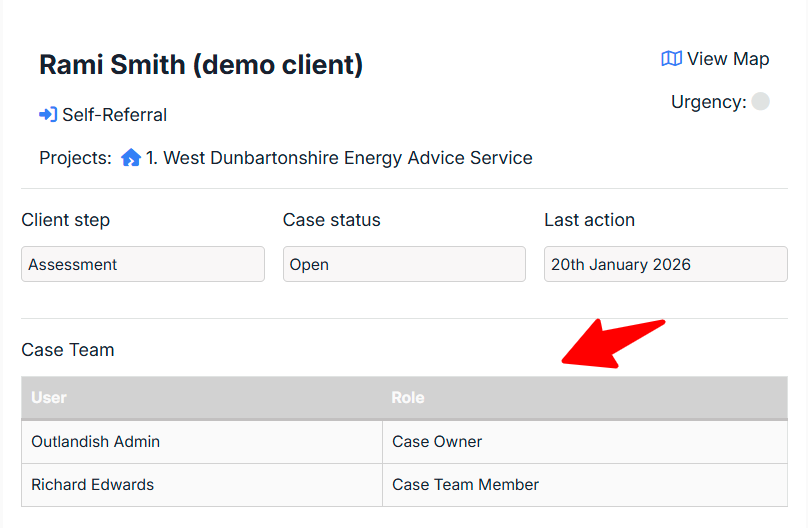
What’s the difference?
- In Nook the Case Team = the Case Owner + the Case Members
- There can be only 1 Case Owner, there can be as many Members as you like
- The Case Owner is set explicitly on each case by clicking the Edit details button and selecting the relevant person on your team from the dropdown list
- You can filter by the Case Owner on the Case Overview screen, select the Case Owner as a field in your Reports etc.
- Case Members are added automatically to a case whenever someone interacts with it (i.e. adds a note or a Task)
- You can also add/remove Case Members manually via the case record -> Edit details